Add Tmoney to Apple Wallet... Pay with a Tap
'Express Mode' Works Without Unlocking
Now, Apple Pay users in Korea can use Tmoney transportation cards directly within the Apple Wallet application. Without a physical card, users can conveniently and securely access various modes of public transportation using only their iPhone or Apple Watch.
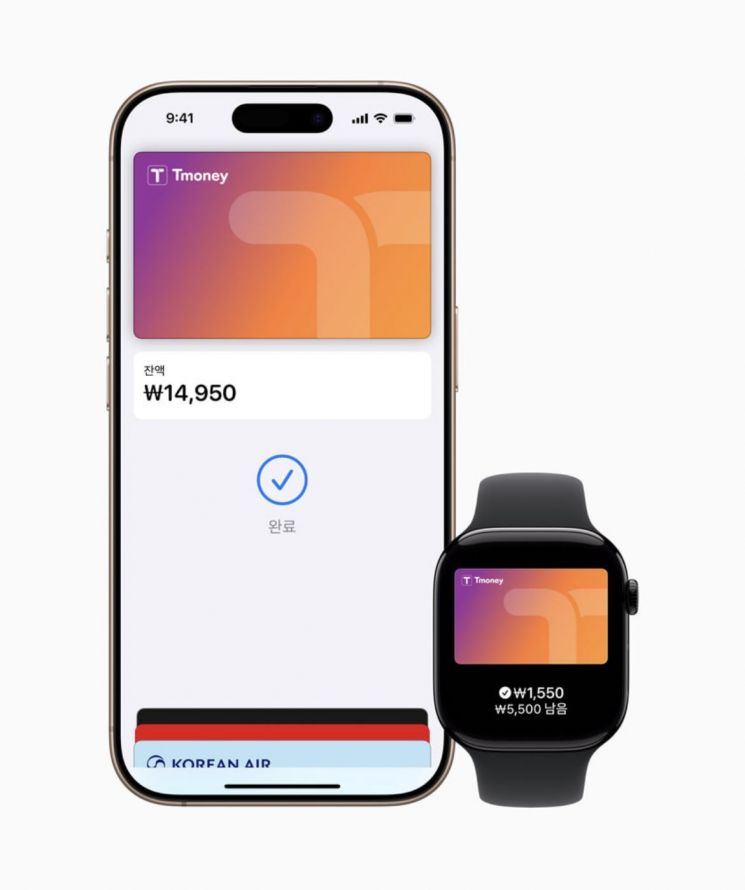
On July 22, Apple and Tmoney announced, "We have introduced a new way to use public transportation that is easy and convenient." To use Tmoney, users must first add a prepaid Tmoney card to the Apple Wallet app. Users can select 'Add (+)' in Apple Wallet, go to 'Transit Card,' and follow the instructions to add a Tmoney card.
If the Tmoney card balance falls below a certain amount, users can recharge it directly or set up automatic recharge using either Apple Wallet or the mobile Tmoney iOS app.
Automatic recharge can be adjusted by selecting 'Card Details' in Apple Wallet and tapping 'Automatic Recharge.' Users can also set up automatic recharge in the mobile Tmoney iOS app or top up the balance using Apple Pay and other payment methods.
Notably, when Express Mode is enabled, users can simply hold their iPhone or Apple Watch near a terminal to board, even without unlocking the device or turning on the screen. In addition,the transit card function can be used for up to 5 hours in the iPhone's Power Reserve mode, even when the device needs to be charged.
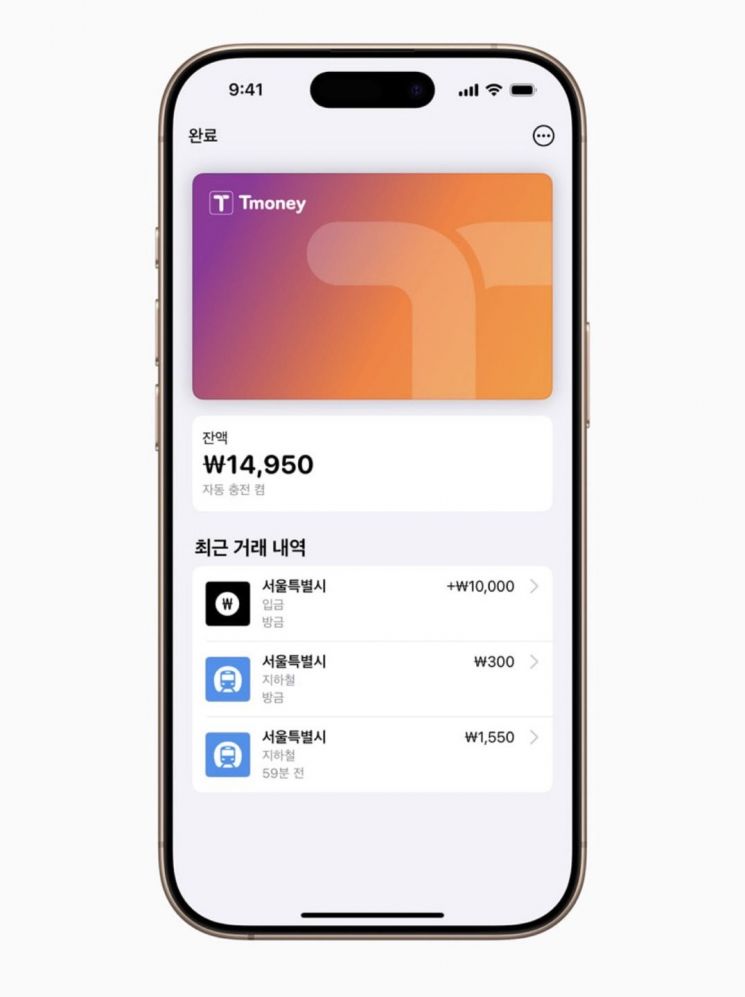
However, since a Hyundai Card is required to use Apple Pay, users must have a Hyundai debit or credit card to register a Tmoney card in Apple Wallet and add funds.
If users do not have a Hyundai Card, they can update the mobile Tmoney app to the latest version and issue a mobile Tmoney card to use the same features.
Apple Pay Tmoney benefits from Apple's robust security features and privacy technologies. According to Apple, transit card information is not stored on Apple servers or shared with Apple. If a user loses their iPhone or Apple Watch, they can lock the device and track its location using the 'Find My' app.
To add a Tmoney card to Apple Wallet, users need an iPhone Xs or Xr or later running iOS 17.2 or later, or an Apple Watch Series 6, SE 2nd generation or later running watchOS 10.2 or later.
© The Asia Business Daily(www.asiae.co.kr). All rights reserved.
![Clutching a Stolen Dior Bag, Saying "I Hate Being Poor but Real"... The Grotesque Con of a "Human Knockoff" [Slate]](https://cwcontent.asiae.co.kr/asiaresize/183/2026021902243444107_1771435474.jpg)