[Asia Economy Reporter Changhwan Lee] It is expected that many people will visit their hometowns or go on trips during the holidays. There have been many cases where people felt frustrated due to low battery on their smartphones or tablet PCs during long trips.
Samsung SDI revealed on the 24th ways to extend smartphone battery life for the holidays.
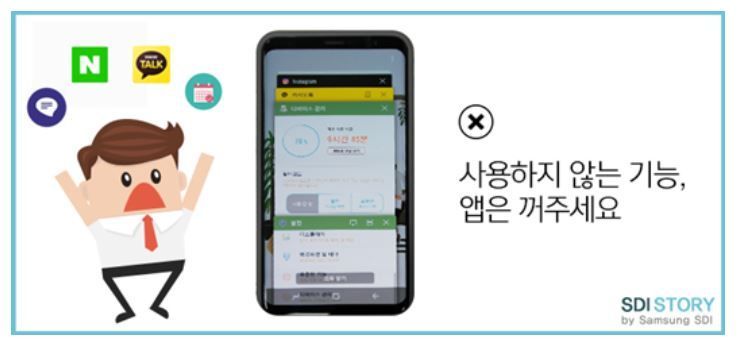
◆Turn off unused functions and apps
It is best to turn off unused functions such as GPS, Wi-Fi, and Bluetooth. Even if the user is not actively using these functions, the smartphone continues to run them in the background, so stopping this process helps save battery.
When using a smartphone, various apps are installed. However, only a few of these apps are frequently used. Apps that are rarely used are often left idle on the smartphone, and some of them run without our knowledge, causing unnecessary battery drain.
Deleting unnecessary apps or setting rarely used apps to not run in the background helps save battery. If this is too difficult, activating the smartphone’s power-saving mode is also effective. It minimizes app activity in the background.
◆Lower the display brightness
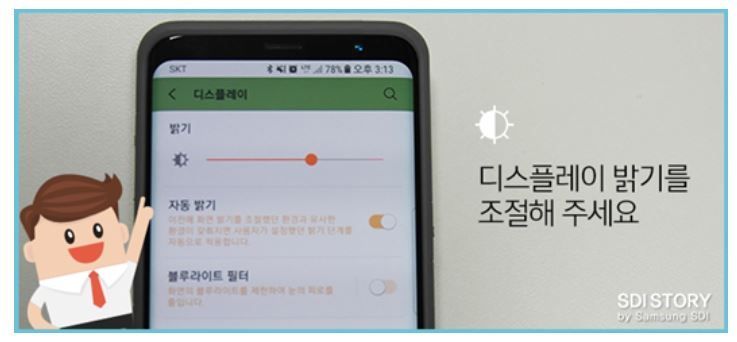
Most of today’s latest smartphones adopt Infinity Displays. The display accounts for a large portion of smartphone battery usage, and as screen sizes increase, managing battery consumption has become more important.
Therefore, if charging is not possible, simply adjusting the display brightness can significantly reduce battery consumption. Many people leave the screen brightness on 'auto brightness' without setting it separately. However, to reduce battery drain, it is better to manually adjust the brightness slider to make the screen a bit dimmer. The average brightness can also be lowered in 'auto brightness' mode. Additionally, at night or in dark places, lowering the brightness to the minimum is sufficient for clear visibility.
◆Avoid leaving your phone in low temperatures
During outdoor activities in cold winter, you may notice your smartphone battery drains faster than usual. This is because the chemical reactions inside the battery slow down in low temperatures. The lower the temperature, the higher the internal resistance of the battery and the lower the voltage, resulting in shorter usage time.
If the power suddenly turns off due to low temperature, you can temporarily warm the battery by keeping it close to your body and then turn the power back on to use it for a short time.
◆Charging with the power off, airplane mode, or power-saving mode enables faster charging
Smartphones consume the most power on communication and display. Therefore, blocking communication by switching to airplane mode, activating ultra power-saving mode, or turning off the power cuts off power consumption by the display, allowing faster charging.
© The Asia Business Daily(www.asiae.co.kr). All rights reserved.